Work / Owego
Owego
Stablecoins, now spendable
Owego · iOS, Android, iPad
Stablecoins, now spendable

Overview
Owego lets people hold digital dollars and spend them anywhere. I redesigned it end to end, turning a crypto wallet into an app for everyday money, and built the brand that goes with it.
- Role
- Product Designer
- Scope
- Product design, UX, design system, brand identity, illustration, store creative
- Timeline
- 2026
The brief
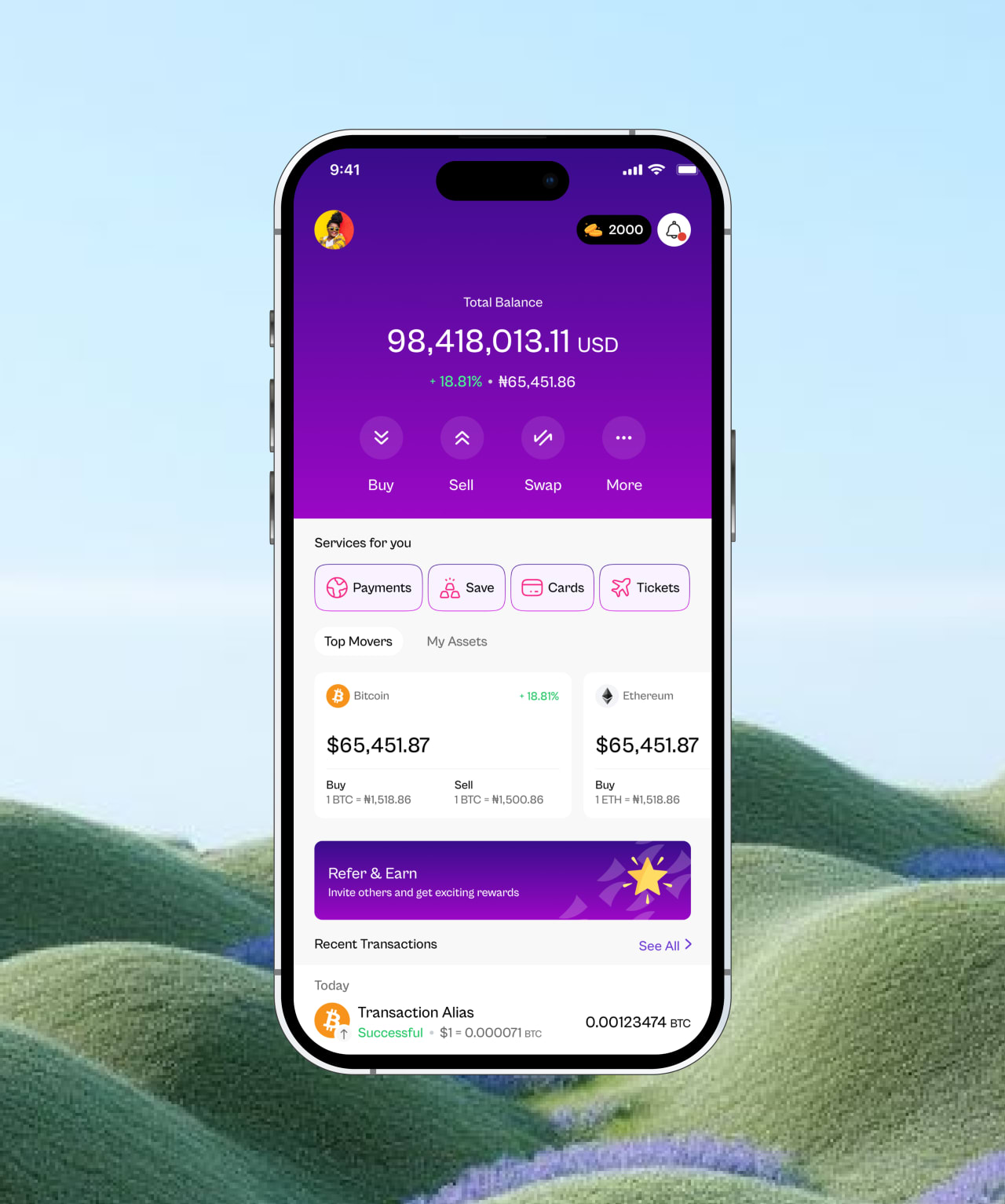
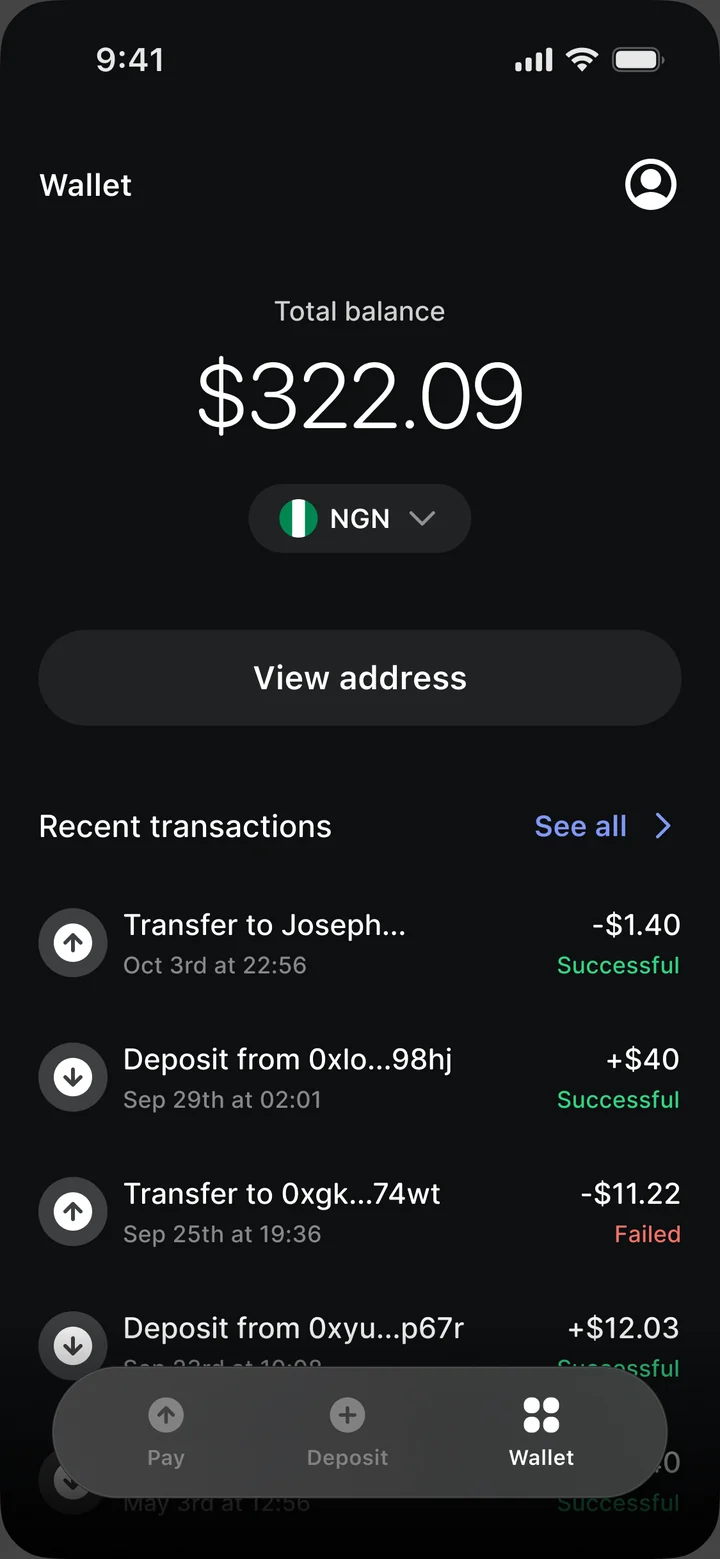
Owego lets people hold digital dollars (USDC) and spend them anywhere. The first version, designed before I joined, worked like a crypto wallet: a dark, address-first interface that asked people to think in chains, tokens and hex strings.
That suits crypto natives. It doesn’t suit the people Owego wants to reach: a freelancer paid in dollars, a family sending money home, a traveller tired of losing money on exchange rates. They don’t want a wallet. They want money that works.
My brief was to redesign the product end to end and give it a brand people would trust with their money.
- Screens
- 287
- Flows
- 18
- Themes · light, dark
- 2
- Platforms · iOS, Android, iPad
- 3
Principles
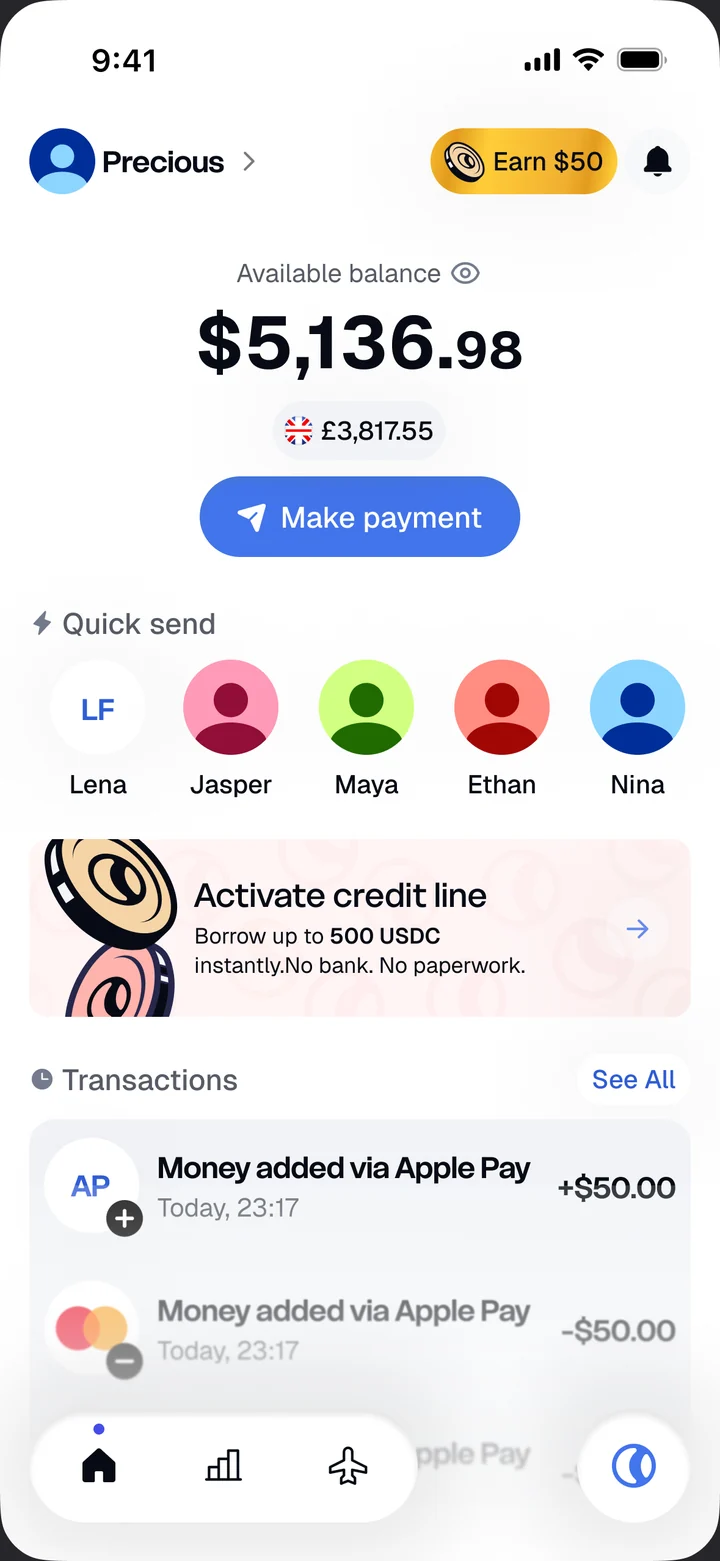
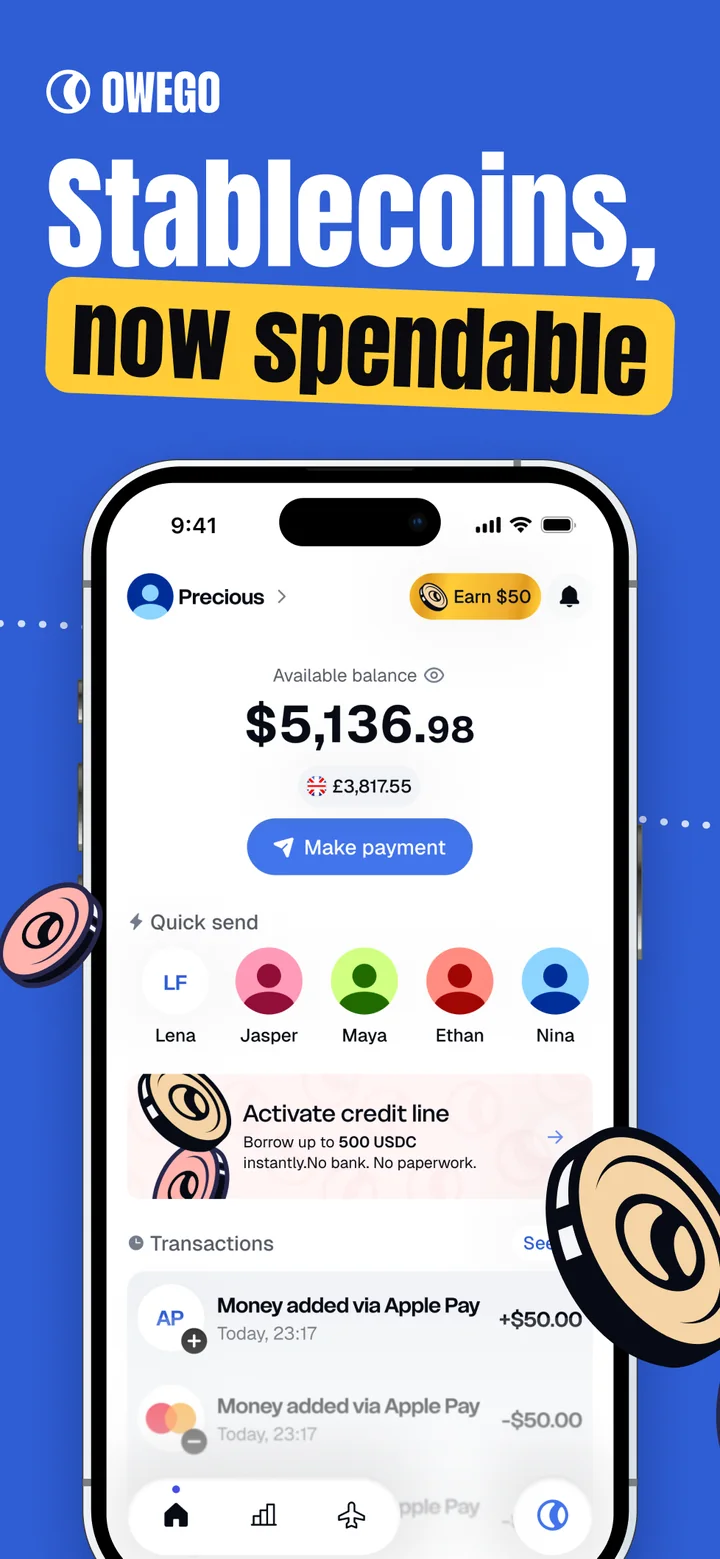
Dollars, not tokens. The balance reads in dollars with the local equivalent under it. Chains, gas and addresses stay out of the way until someone asks for them.
One primary action. Make payment sits under the balance. Scan, bank transfer and on-chain sends all start there.
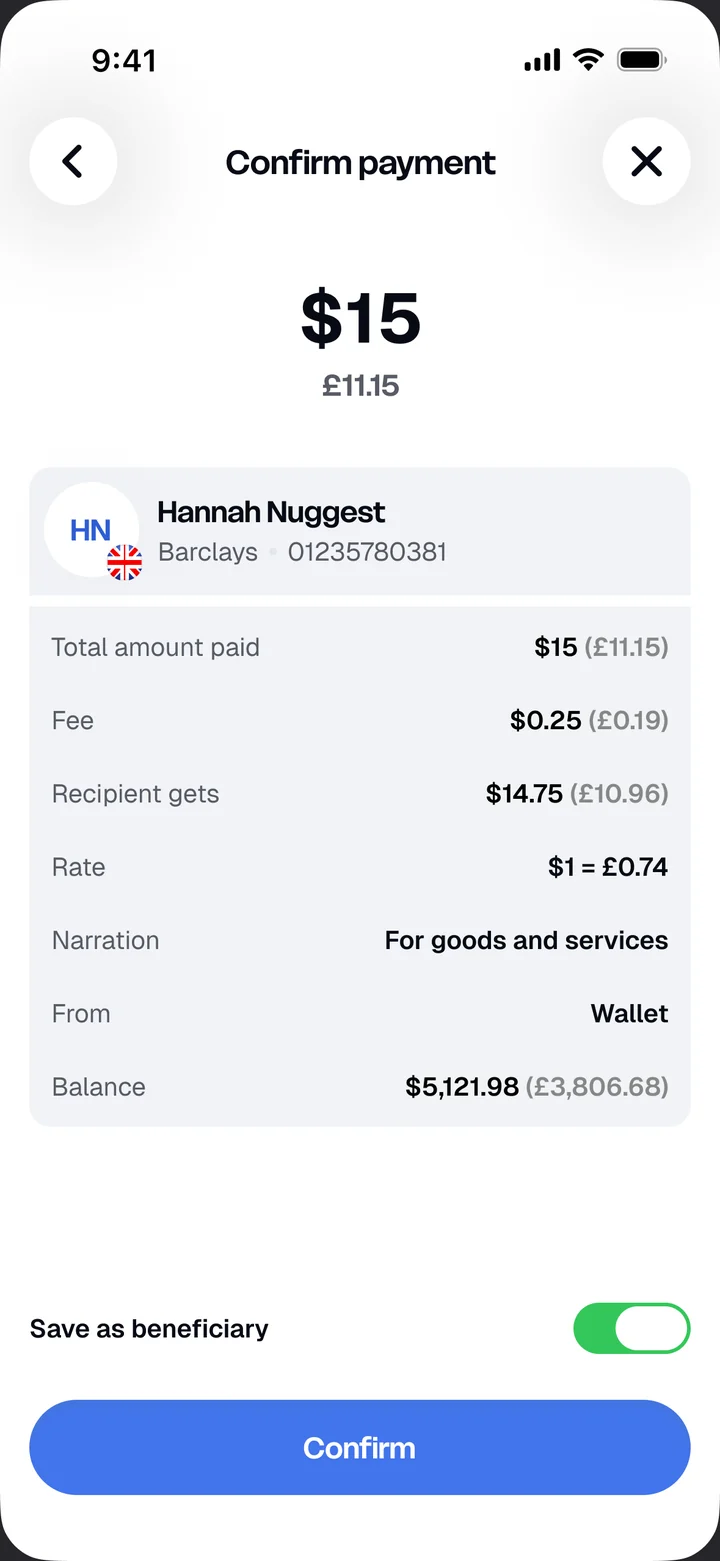
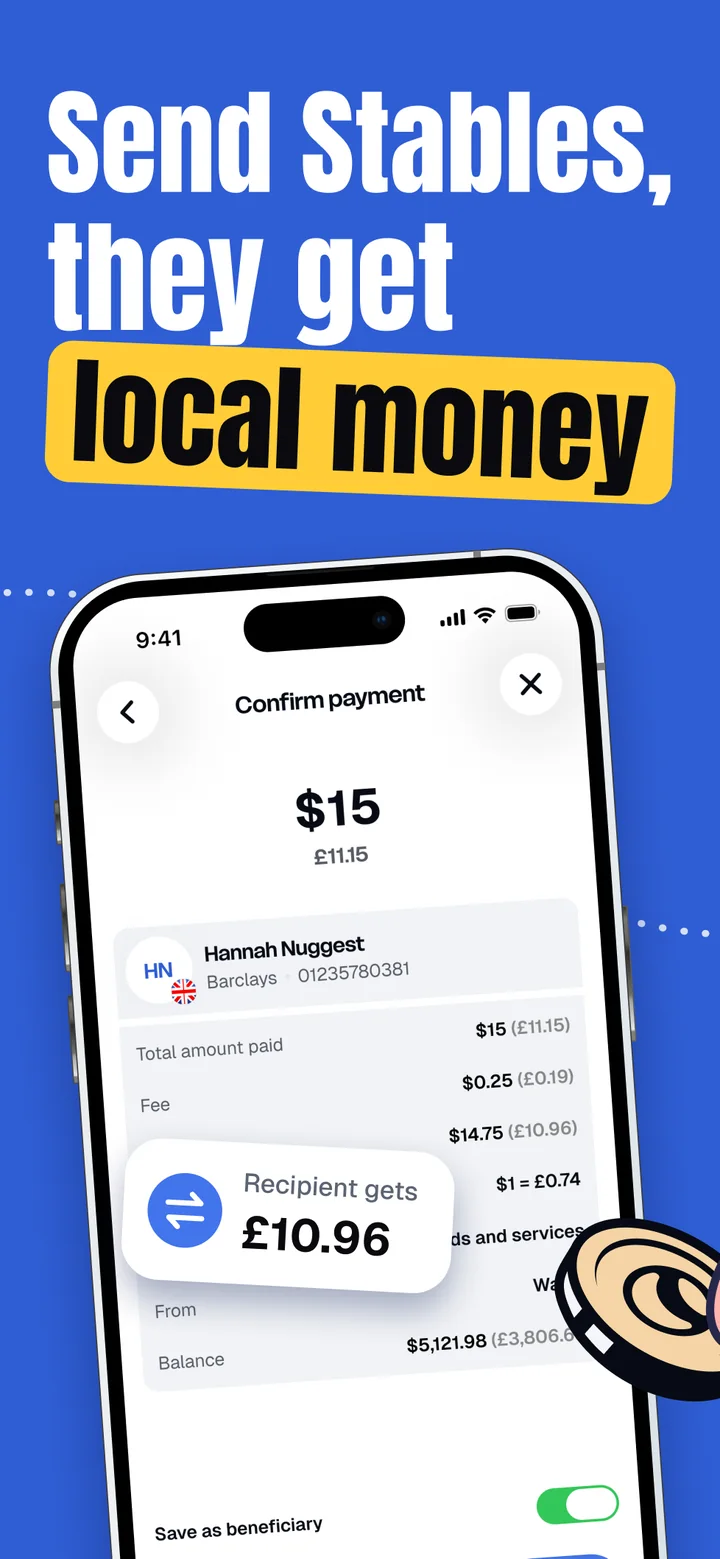
Show the whole cost. Every payment shows what the recipient gets, the fee and the rate before you confirm.
Money that works. An idle balance can earn yield, unlock credit or pay for a trip without leaving the app.
Scan to pay
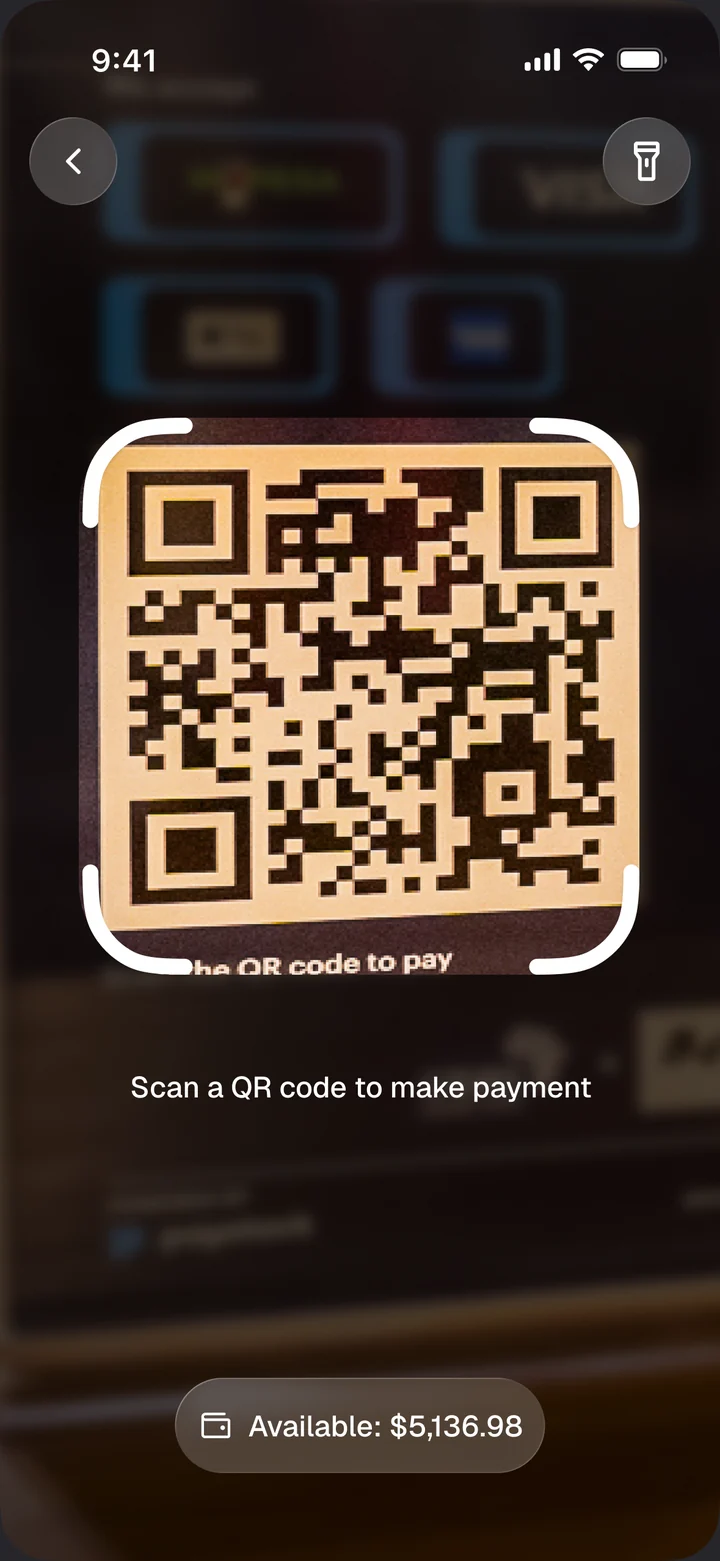
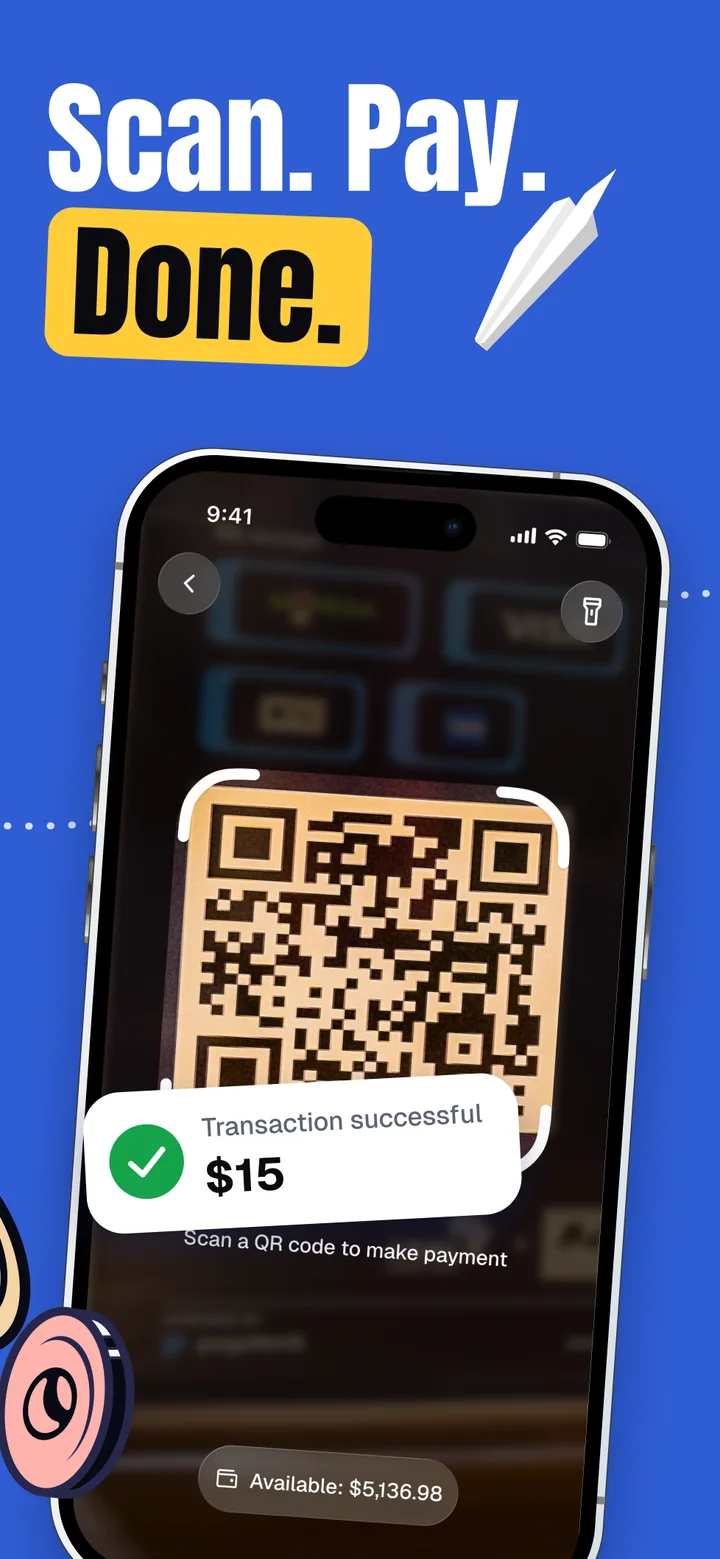
Point the camera at a local payment QR code. Owego pays from your USDC balance and the merchant receives local currency. Before you confirm, you see the amount in both currencies, the fee, the rate and what the recipient gets, so nothing changes after you pay.
Bank transfers and on-chain sends use the same confirm screen, so every payment reads the same way.
Scan. Pay. Done.
Wealth
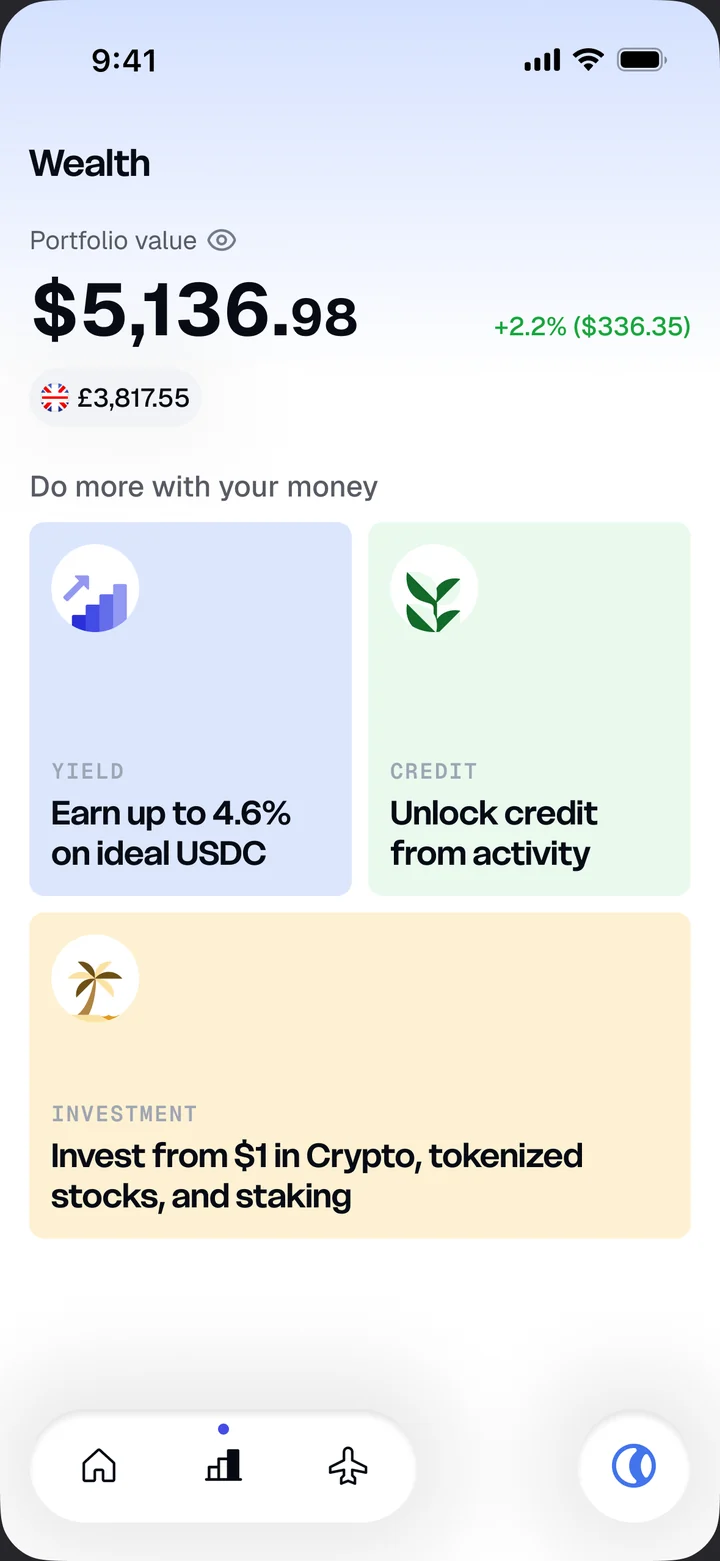
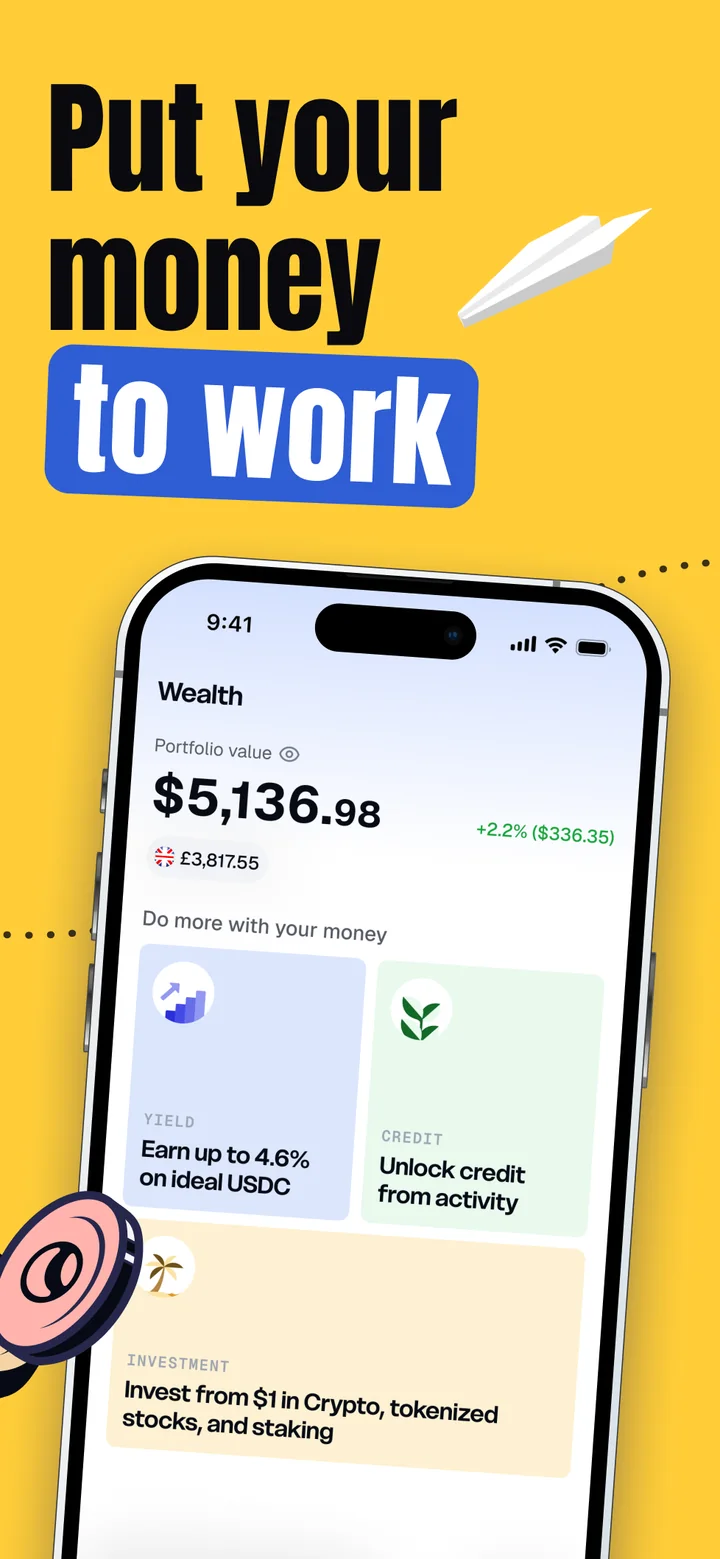
Most stablecoin balances sit idle. Wealth gives them a job: earn up to 4.6% on idle USDC, unlock a credit line from your activity, or invest from $1 in crypto, tokenized stocks and staking.
Each product gets one card with one number and one action. The detail comes after the tap.
Put your money to work
Travel
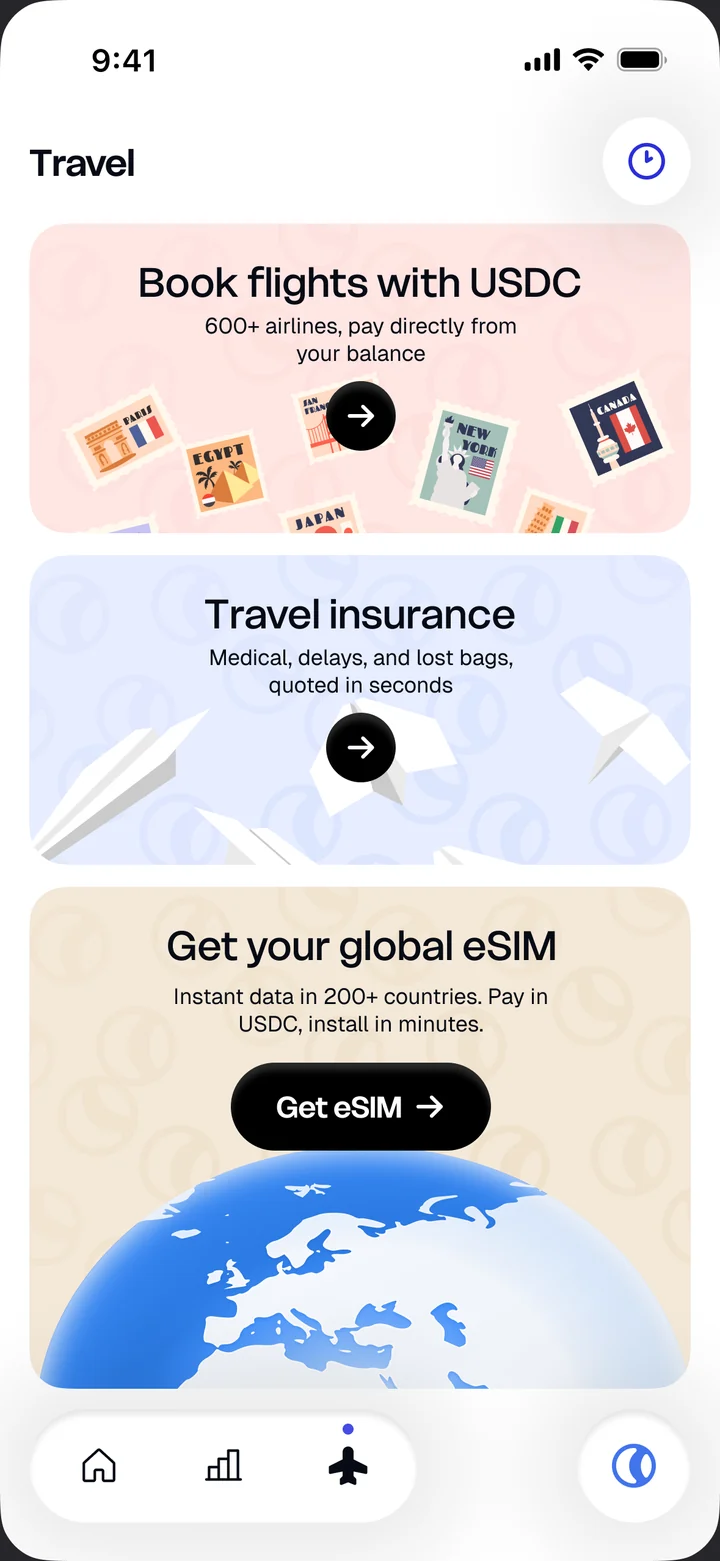
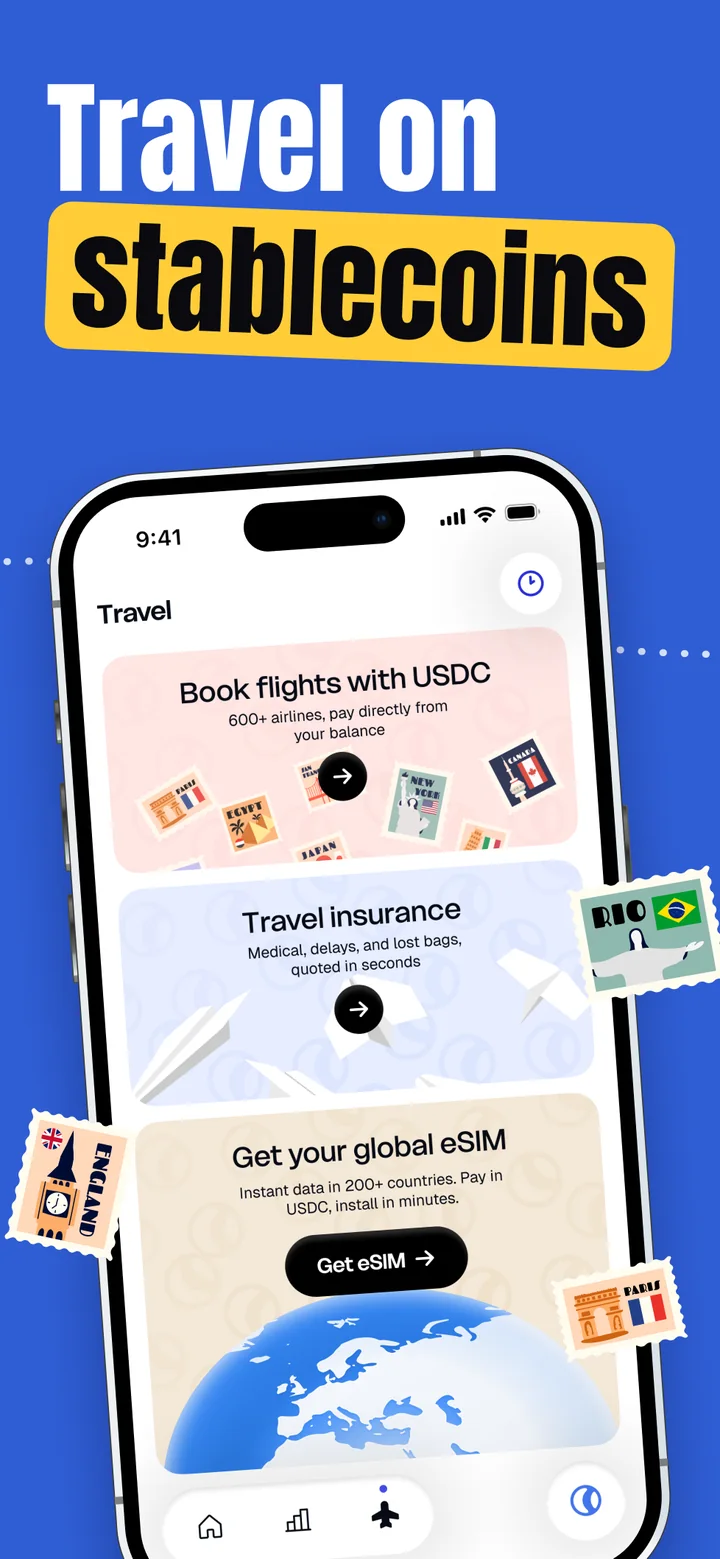
Exchange rates hurt most when you travel, so travel became its own tab: book flights with USDC on 600+ airlines, buy travel insurance, and get a global eSIM with data in 200+ countries.
Stamps and paper planes from the illustration system make the tab feel like a trip, not a form.
Travel on stablecoins


Every state
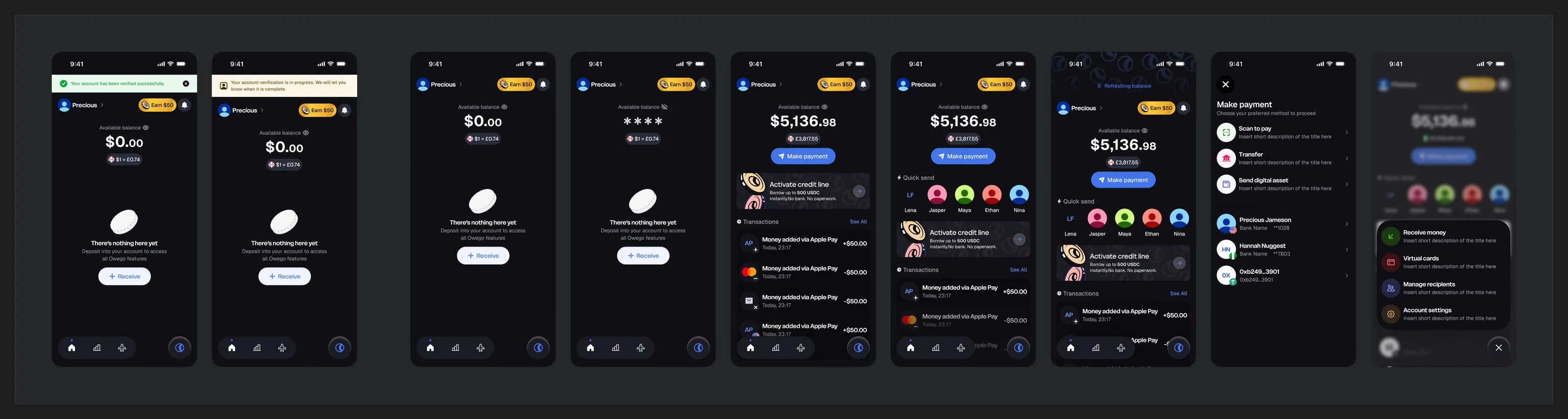
287 screens across 18 flows, each in light and dark: empty balances, verification, hidden amounts, refreshes, errors and success. The home screen alone has 23 states, so it holds up on day one with $0 and on day three hundred.

Illustration
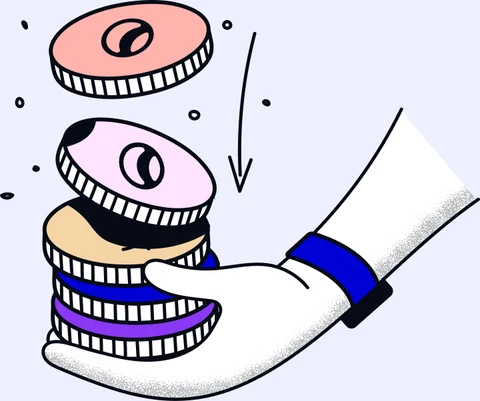
Hand-inked coins with a watchful eye are the signature. Planes and stamps carry the idea of money that travels. Each illustration has one job: an empty state, a reward, a credit offer, a success.


Store
The App Store and Google Play screenshots use the same system: one headline, one phone, one coin. Shared layouts produced them for iPhone, Android and iPad.
Launch
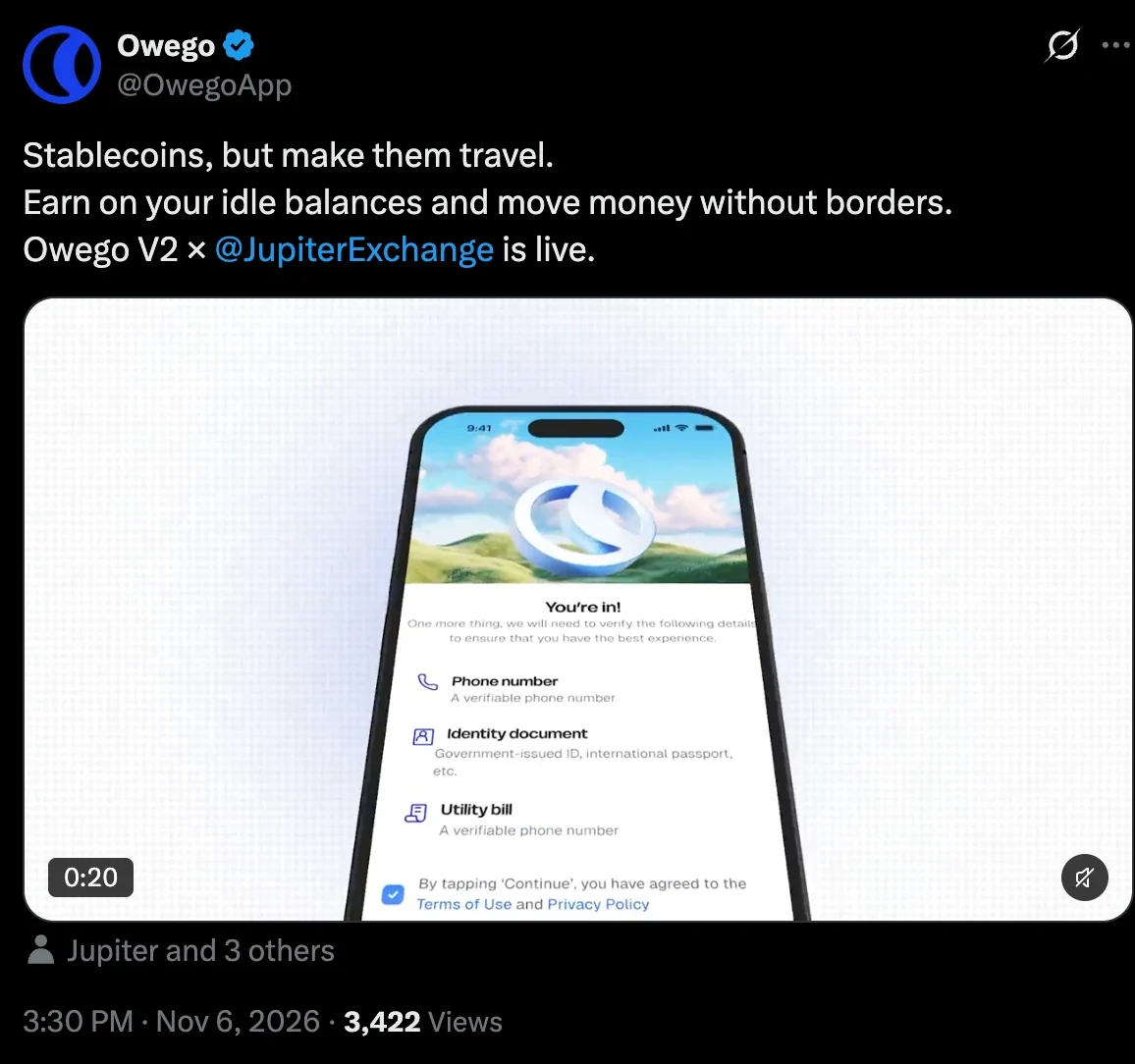
Owego V2 went live on 6 November 2026, launched with Jupiter, which powers the yield on idle USDC balances. The launch film walked through the redesigned onboarding: where you’re located, what to verify, and a clear “You’re in!”.
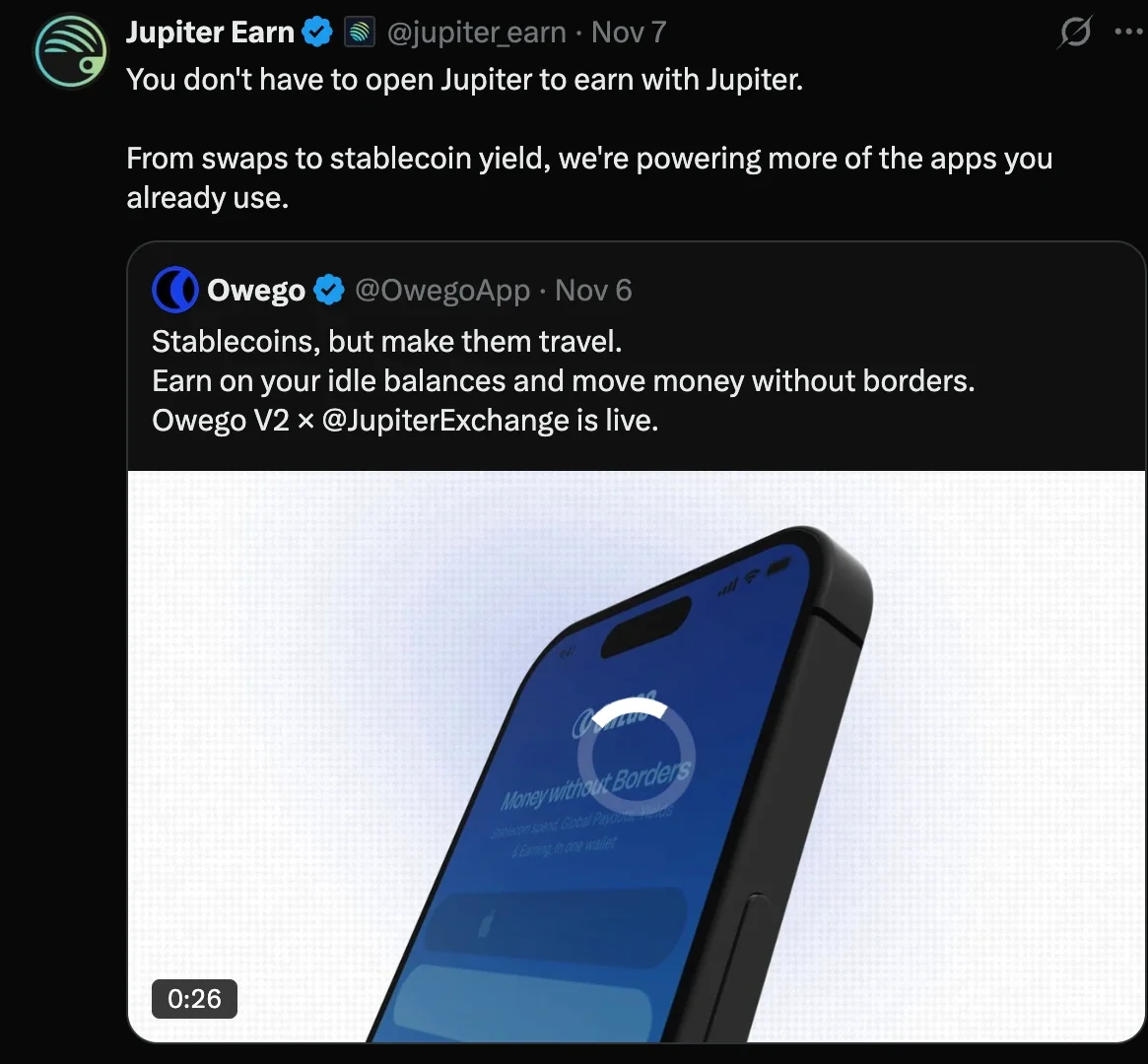
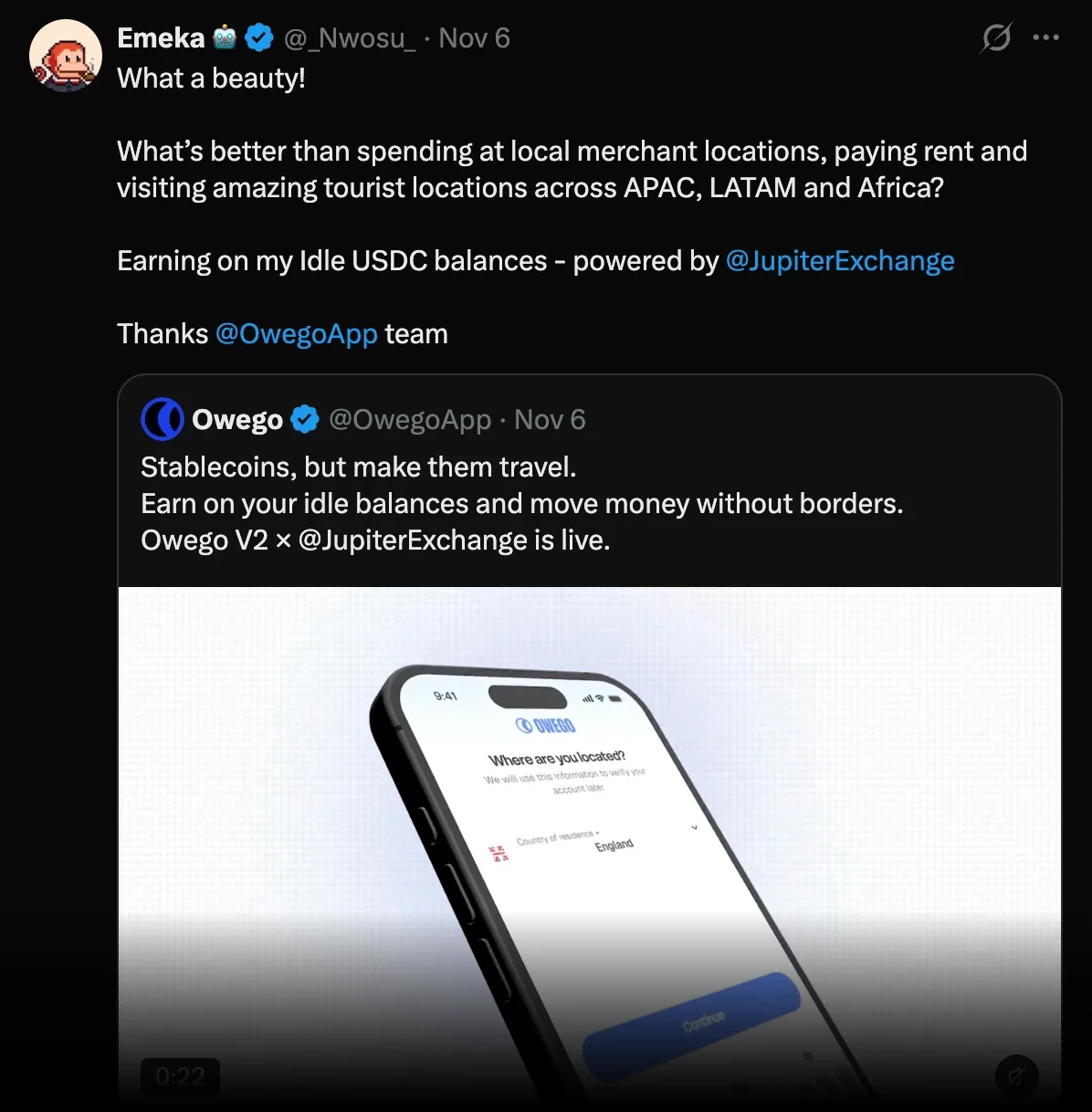
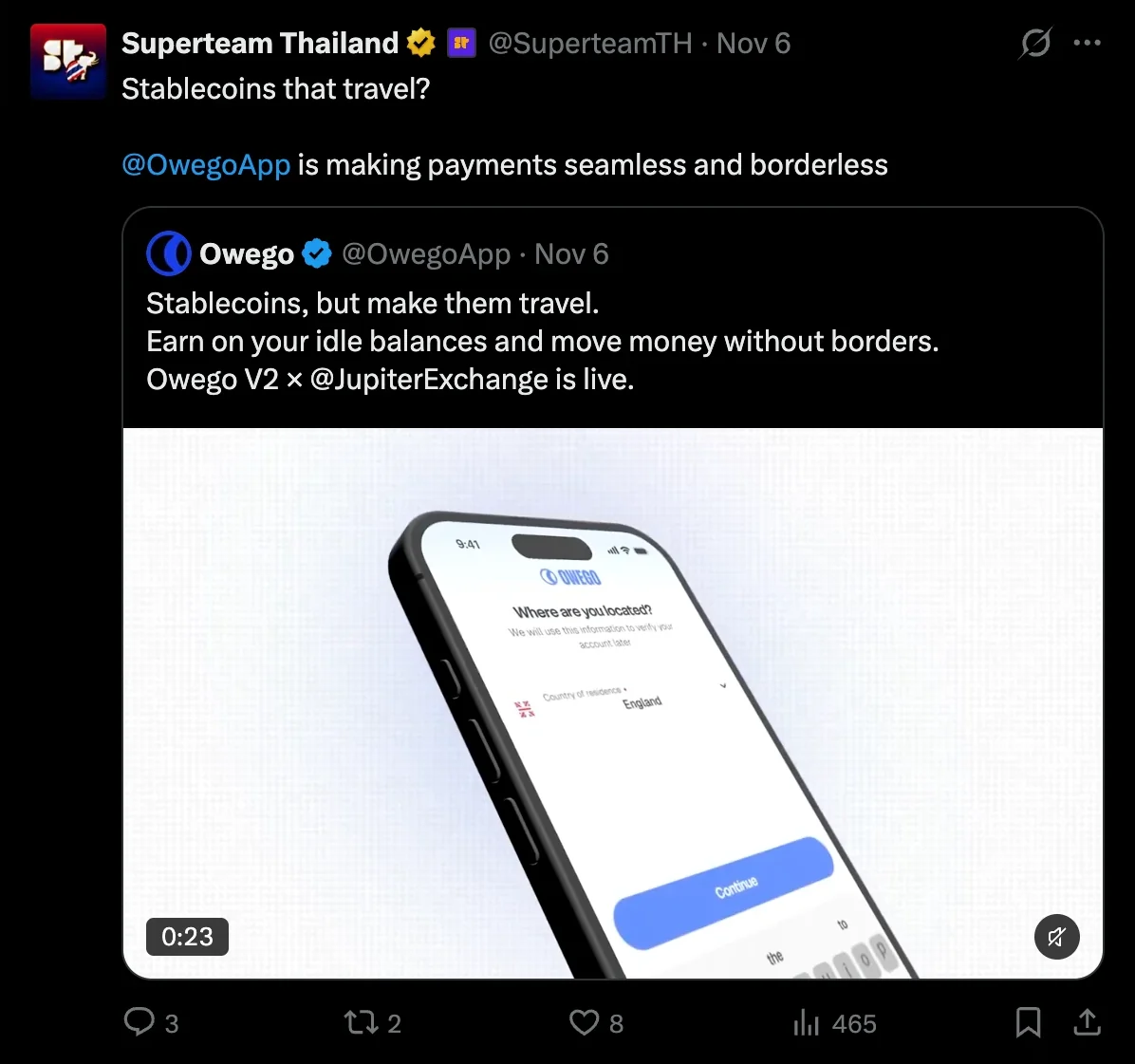
The ecosystem picked it up the same week. Jupiter quoted it as an example of earning with Jupiter without opening Jupiter, Superteam Thailand shared it as stablecoins that travel, and early users called out the design itself.
6 November 2026 · with Jupiter
Owego V2 is live